


Answer
The Lightning Payroll desktop app communicates with the online employee portal and timeclock through this website. It does so in a few ways.
Lightning Payroll → Portal
Example: new shifts, details, bank accounts and settings sent from the payroll software to the employee's online account.
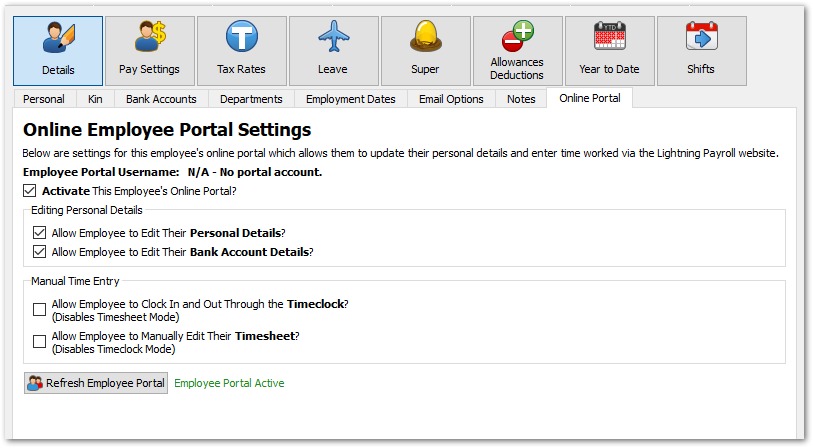
- When you click Refresh Employee Portal (updates the portal with portal settings and related data for all relevant employees in the current company).
- When you shut down the program (updates the portal with portal settings and related data for all relevant employees, across all companies).
- (Timeclock app users only) When you refresh a timeclock device under Company >> Timeclock Devices >> Send Updated Employee Data.
Portal → Lightning Payroll
Example: employee-updated personal details, bank accounts and similar downloaded into their Lightning Payroll profile.
- When you open Lightning Payroll.
- On a timer, every 5 minutes that Lightning Payroll is open.
- When you sync leave requests or shifts via the Pays or Rosters screens.

