


Answer
When the online employee portal is activated for the first time, the employee is emailed their username and password.
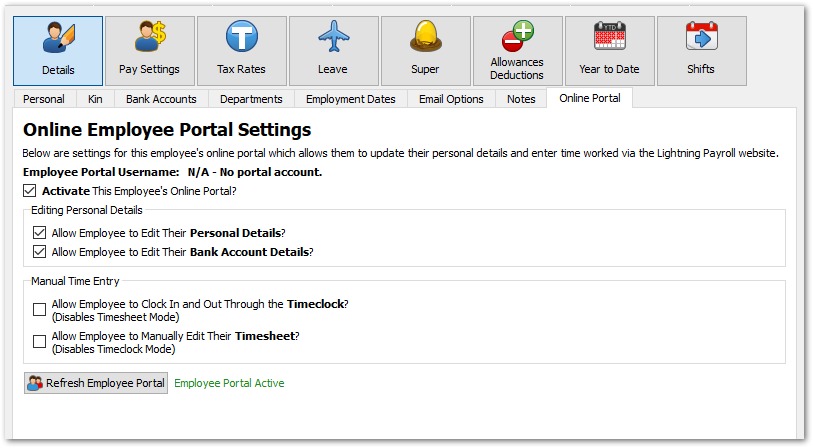
To trigger the email, first tick the box to activate the employee, then click Refresh Employee Portal under Employees >> Details >> Online Portal.
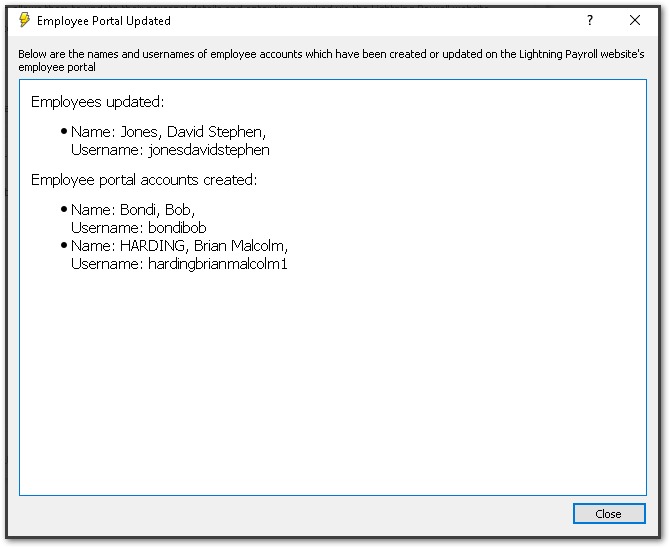
You should see an on-screen notification that looks something like this:
The employee receives an email like this with their username and password. They can use these to log in by clicking Employee Login at the top of the Lightning Payroll website. We recommend they change their password after logging in.
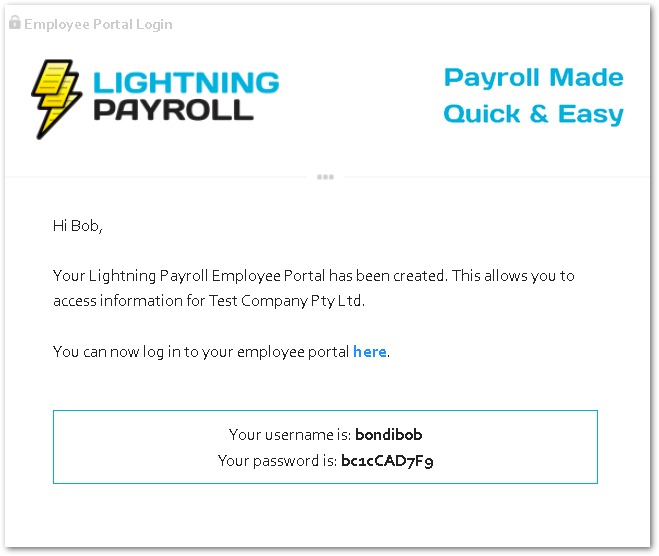
An employee may also receive a new account email if their name is changed, because their login username is based on their full name.

